I'm a quality and brand compliance manager at Prysmian, and I've spent six years reviewing cable specs in our Claremont, North Carolina plant. I sign off on about 200 production batches a year, and I handle a steady stream of field complaints. Most don't involve broken cable. Many involve broken test assumptions.
The Call That Started It
Mid-January 2025, a contractor called about our Genspeed optical cable. He was installing it for a transparent smartphone display line—a project where the data link between processing modules absolutely cannot drop. “This cable is failing continuity,” he said. “Readings are jumping from 2 ohms to 50 ohms when I wiggle it.” He was using a multimeter to check the cable, and that was the first clue he was testing the wrong thing.
I asked where he'd attached his leads. “One on the outside braid and one on the central steel strand,” he said. Those are metallic components. The signal in a Genspeed cable travels as light through glass, not electricity through metal. Connecting a multimeter to the armor measures the armor, not the fiber. But I didn't stop there because he sent photos showing something odd: the cable was stretched across a steel table, and a large induction heater was cycling on and off about three feet away. That was the real story.
The Real Problem Was the Test Environment
My initial instinct was to say “you need an OTDR, not a multimeter.” But the photos changed my judgment. The heater's magnetic field was inducing a small voltage in the metallic shield, which his multimeter was picking up as random resistance fluctuations. I asked him to turn off the heater and repeat the test. The readings went rock solid—under 1 ohm, which is normal for a short length of armored cable.
This scenario is more common than you'd think: a customer blames the cable, but the real issue is a measurement setup that doesn't isolate the test from electromagnetic noise. When I compared his noisy readings with the stable readings from our Claremont lab on the same cable type, it was obvious. The cable was fine; the environment wasn't. (Mental note: we should've documented this scenario in the installation guide years ago.)
What Should You Use Instead?
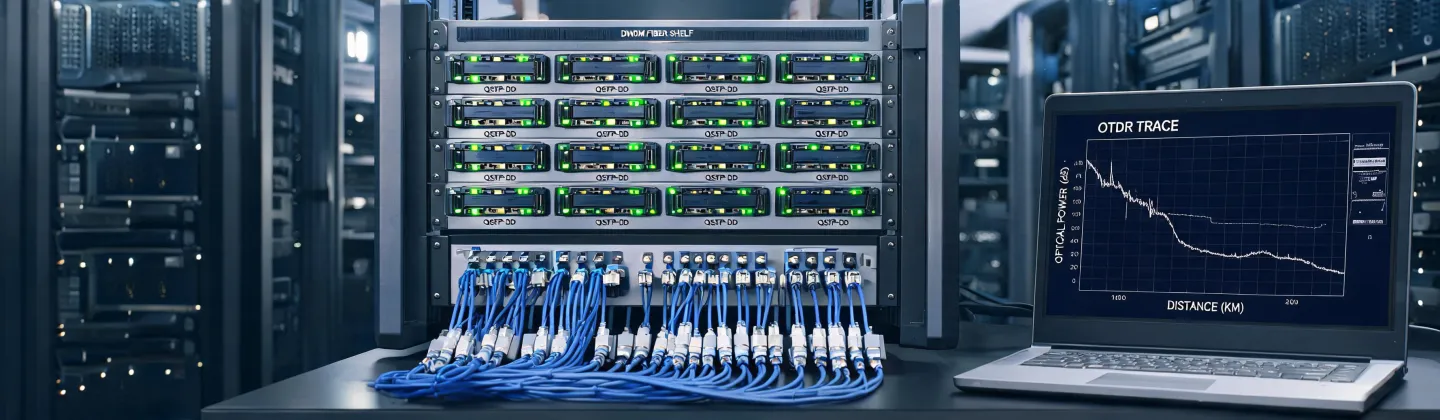
For Genspeed optical cable, the correct test tools are optical. An OTDR measures attenuation and reflectance. A power meter and light source measures insertion loss. A visual fault locator can confirm continuity. Per Prysmian's Genspeed datasheet (rev. 2024), the specification at 1550 nm is ≤0.22 dB/km attenuation—you'll never verify that with a multimeter. You'd have to compare the light output at both ends, which is what these tools do.
That doesn't mean a multimeter is useless for cable testing. It's perfect for checking the metallic shield continuity of an armored fiber cable, or testing a traditional copper power cable. Here's the proper method for a shield continuity check:
- Disconnect the cable from any active equipment and verify there is no voltage on the shield.
- Set your multimeter to the lowest ohms range (often shown as Ω with a tone).
- Connect one test lead to the shield at one end, the other lead to the shield at the far end.
- Listen for a tone or read resistance. For a 100-meter run, you should see a value well under 5 ohms—our published spec is typically below 1 ohm for standard armor.
By the way, if you're testing a standard Prysmian power cable, the multimeter is fine for verifying continuity and checking for short circuits. Set the meter to ohms, disconnect both ends, and expect a reading close to zero ohms on a good conductor. For insulation resistance, you need a megohmmeter, not a standard DMM. Wrong tool again.
If you're measuring AC current with a clamp meter, use a current clamp such as the Fluke C300 accessory; it's safer than inserting the meter in series. But don't use a clamp meter near large inductive loads if you're chasing milliohm-level resistances—you'll end up chasing ghosts.
Lessons From a Three-Day False Alarm
This field issue consumed three days, even though it shouldn't have. The contractor had already planned to rip out the cable and replace it with another supplier's product. Instead, I convinced him to ship a sample to Claremont. We tested it with an OTDR, and the attenuation numbers came in comfortably within spec. The transparent smartphone line is now running two weeks behind schedule—but at least it's running with the correct cable.
Since then, we updated the Genspeed installation manual to include a bold warning:
“Do not test optical fiber with a multimeter. Use optical tools only. For metallic shield continuity checks, maintain distance from strong electromagnetic sources (motors, heaters, transformers).”
This case reinforced something I've believed for a long time: an educated customer makes better decisions. When people know why a test works, they stop making expensive mistakes. I'd rather spend ten minutes explaining the difference between an OTDR and a DMM than get a callback about a factory-rejected cable that wasn't faulty in the first place.
So next time you're on site with Prysmian cable, ask yourself: am I measuring the signal path, or am I measuring a piece of metal? And if there's an induction heater humming nearby, move your test setup before you trust any number. If you're not sure, call us. We'll walk you through it.